
Opera
Opera is a free web browser for Windows from Opera Software. The stable release is 136.0.6008.22, published on 17 September 2026.
133.1 MB

Comet is a Chromium-based web browser from Perplexity AI with a built-in AI assistant that can answer questions about pages and help with tasks.
Average 0.0 · ratings: 0
Thank you! Your rating is saved; you can change it. Could not save the rating. Please try again later. Too many ratings from your network today. Please try again tomorrow. The average appears after 5 ratings.
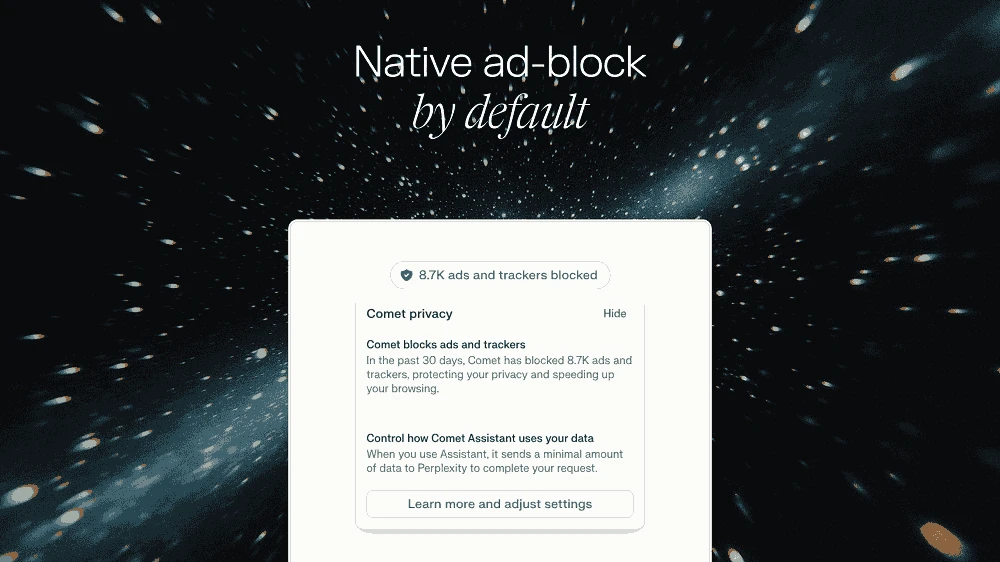
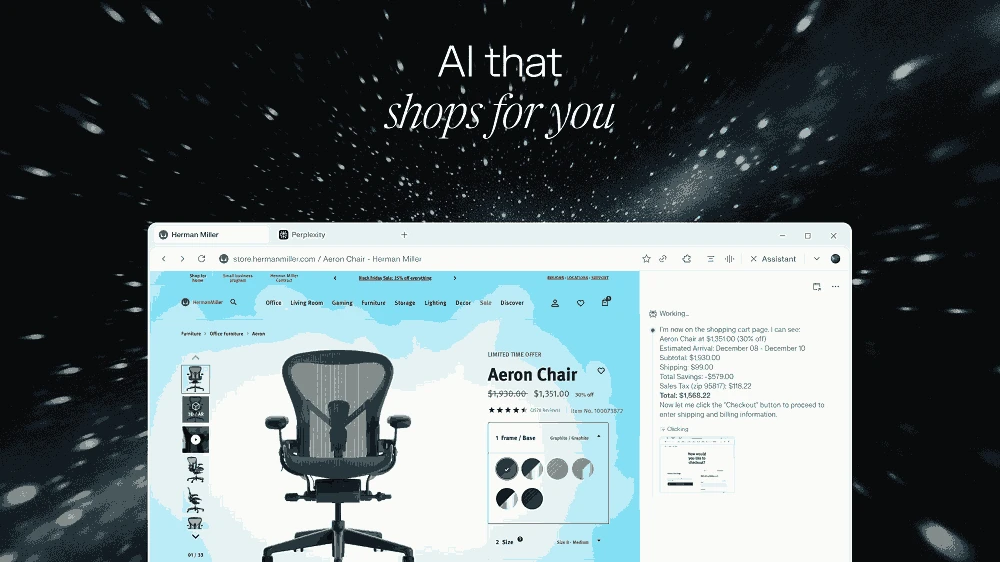
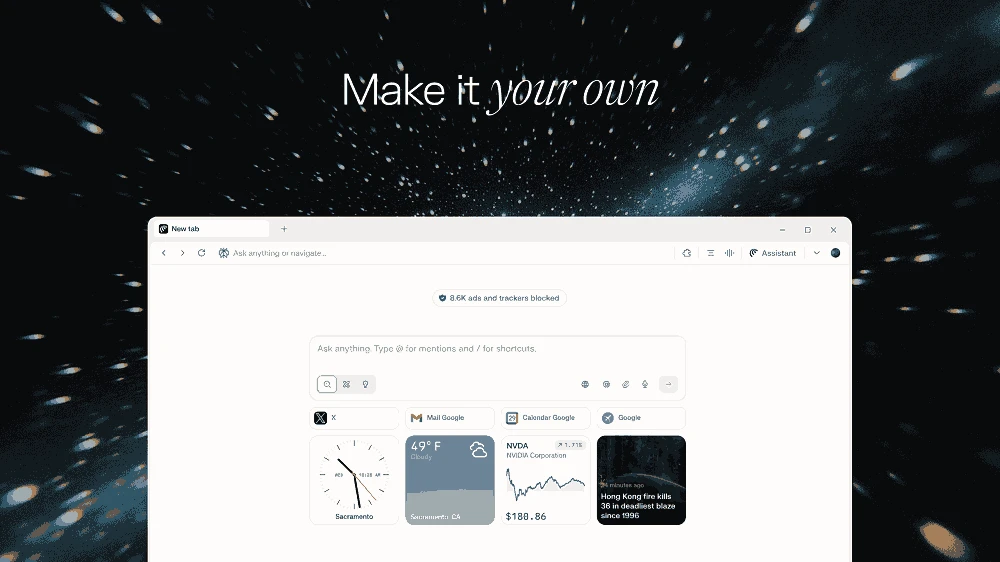
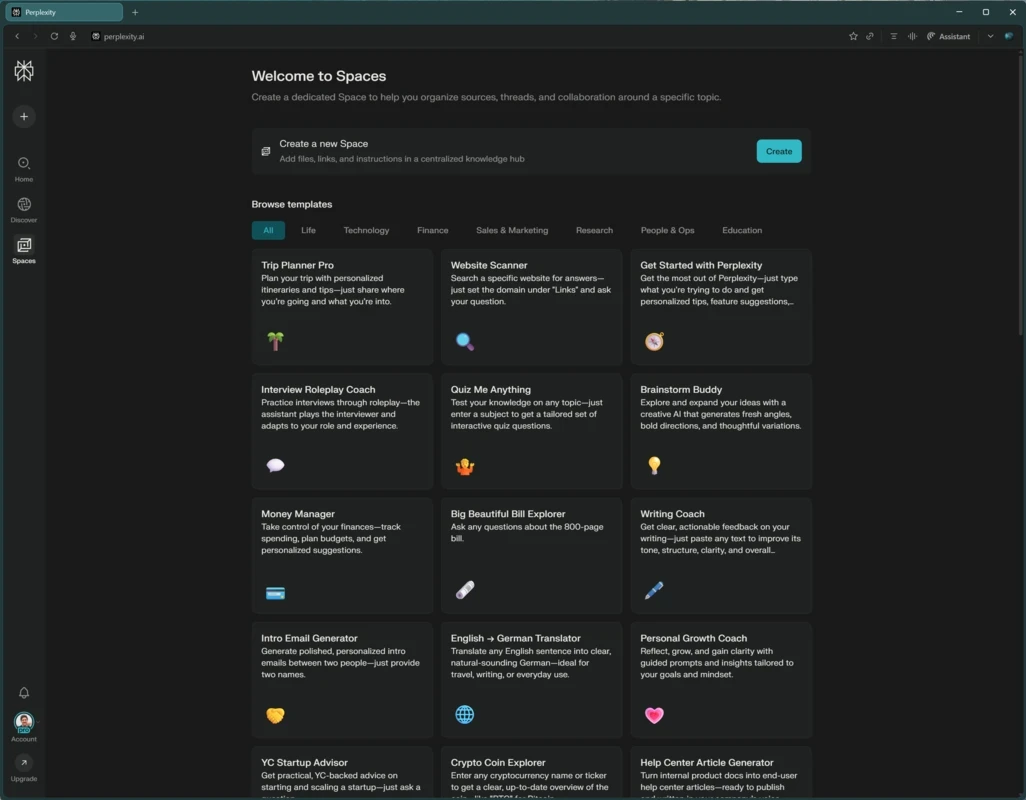
Comet Browser 152.0.7977.199 is a web browser from Perplexity AI with an AI assistant built into it. It is based on Chromium, so websites and many Chrome extensions work as usual, and adds Perplexity's assistant, which can summarise the page you are on, answer questions and help carry out tasks across tabs. The browser is free to download, and you can download Comet Browser for Windows from perplexity.ai or the Microsoft Store.
| Item | Details |
|---|---|
| Version | 152.0.7977.199 |
| Developer | Perplexity AI |
| Windows | Windows 10 and 11, 64-bit x64 and ARM64; Windows 7, 8, 8.1 and Win32 are not supported |
| Processor | Intel or AMD 64-bit, dual-core or better |
| Memory | 4 GB RAM minimum, 8 GB recommended |
| Disk space | at least 2 GB free; 5–6 GB recommended |
| Size | about 222.97 MB according to catalogue data |
The requirements come from Perplexity's Comet operating system requirements article.
In a normal browser you read a page, copy text into an AI chat and paste the answer back. Comet brings the assistant into the browser itself. Open the sidebar on any page and ask for a summary, an explanation of a paragraph or a comparison of products across several open tabs. The assistant can also help with multi-step tasks, such as gathering information from different sites into a list. Search is powered by Perplexity, which answers with sources you can open. Because the assistant can see what is on your pages, it is worth thinking about what you let it read, especially on pages with personal or work data. Models and features change quickly; for a comparison of current AI models, see the AI section of this site.
Recent changes are described in the Comet release notes.
Comet fits people who already use AI assistants daily for research, shopping comparisons or summarising long articles and want that help without switching windows. Students and knowledge workers who juggle many tabs benefit most. If you rarely use AI or prefer to keep browsing data away from AI services, a conventional browser is simpler.
Microsoft Edge offers Copilot in its sidebar, and our listings also include Perplexity as a separate app, plus ChatGPT and Microsoft Copilot for Windows. Brave Browser and Vivaldi are Chromium browsers without an AI focus.
Opera is a free web browser for Windows from Opera Software. The stable release is 136.0.6008.22, published on 17 September 2026.

UC Browser for Windows is the desktop version of the web browser from UCWeb, a Chinese mobile internet company.

Google Translate is Google's multilingual machine translation service, used on Windows through the website and a browser extension.

Microsoft Edge is Microsoft's web browser, preinstalled on current Windows versions and available as a free download for reinstalling or updating.

Mozilla Firefox is a free and open-source web browser developed by Mozilla, available for Windows, macOS, Linux, Android and iOS.

Google Chrome is the free web browser from Google. The stable Windows release is 154.0.8037.58, out since 22 September 2026.

Cent Browser is a free Chromium-based browser for Windows from Cent Studio that adds mouse gestures, tab tweaks and other power-user options.